
Built around the classroom.
A home screen brings lesson tools and system information into a familiar starting place.

AtlasOS brings a classroom-focused desktop and familiar Linux foundations together in a Live environment shaped around the school day.
Scroll to exploreA real view of the current Live system, captured as it runs.
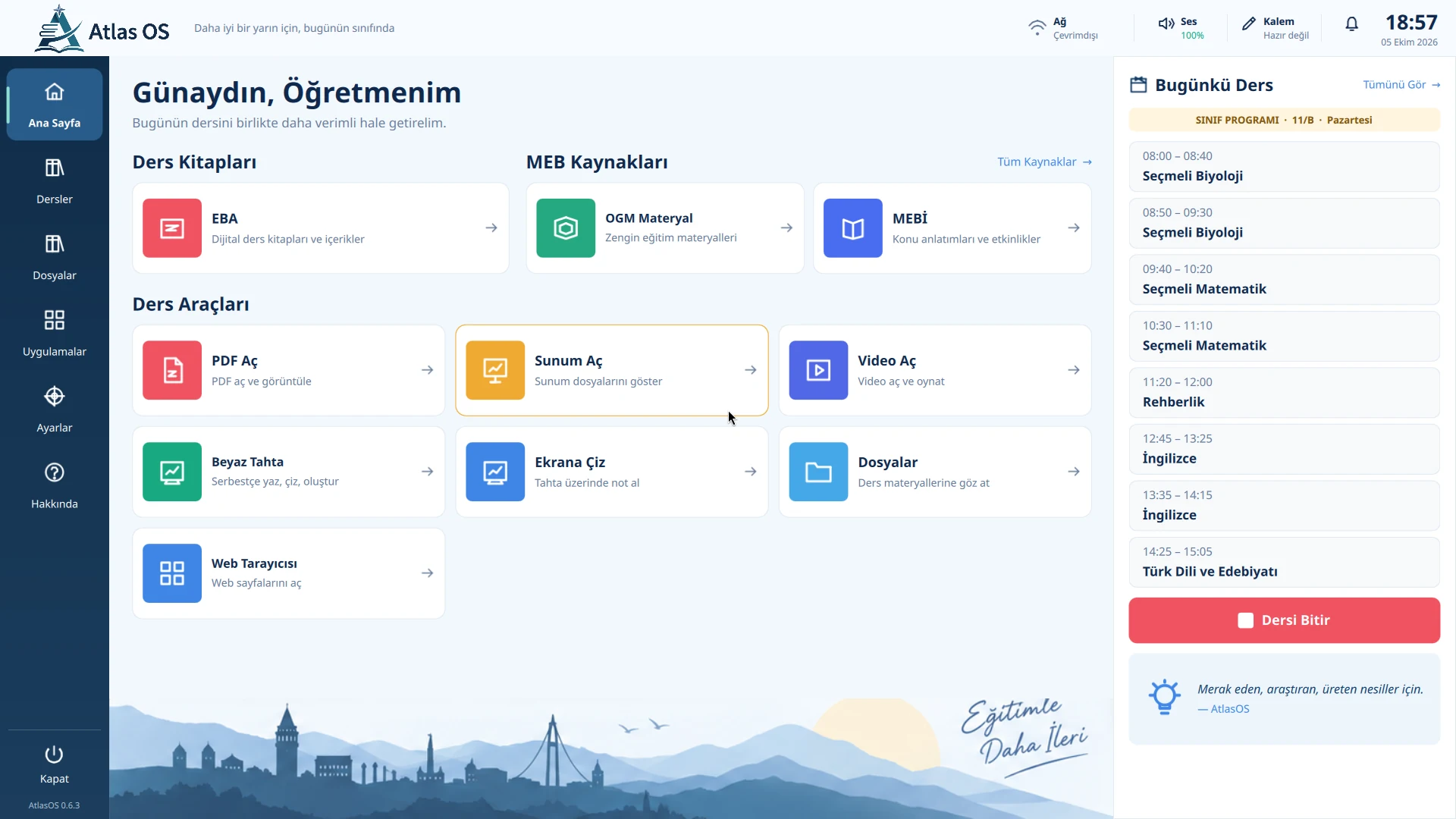
A genuine 0.6.3 Release Candidate capture from a UEFI QEMU session.
A home screen brings lesson tools and system information into a familiar starting place.
Shortcuts for common classroom tasks sit beside access to the wider Linux desktop.
AtlasOS explores a clearer way to find the next useful action on a shared classroom screen.
AtlasOS is designed around readable layouts, direct navigation, and touch-friendly thinking. Device support is still being evaluated.
Presentation framing around a real AtlasOS capture · not a classroom photograph
The Atlas Boot Manager is a UEFI frontend created for the project. Here is its real menu capture.
See the product captures →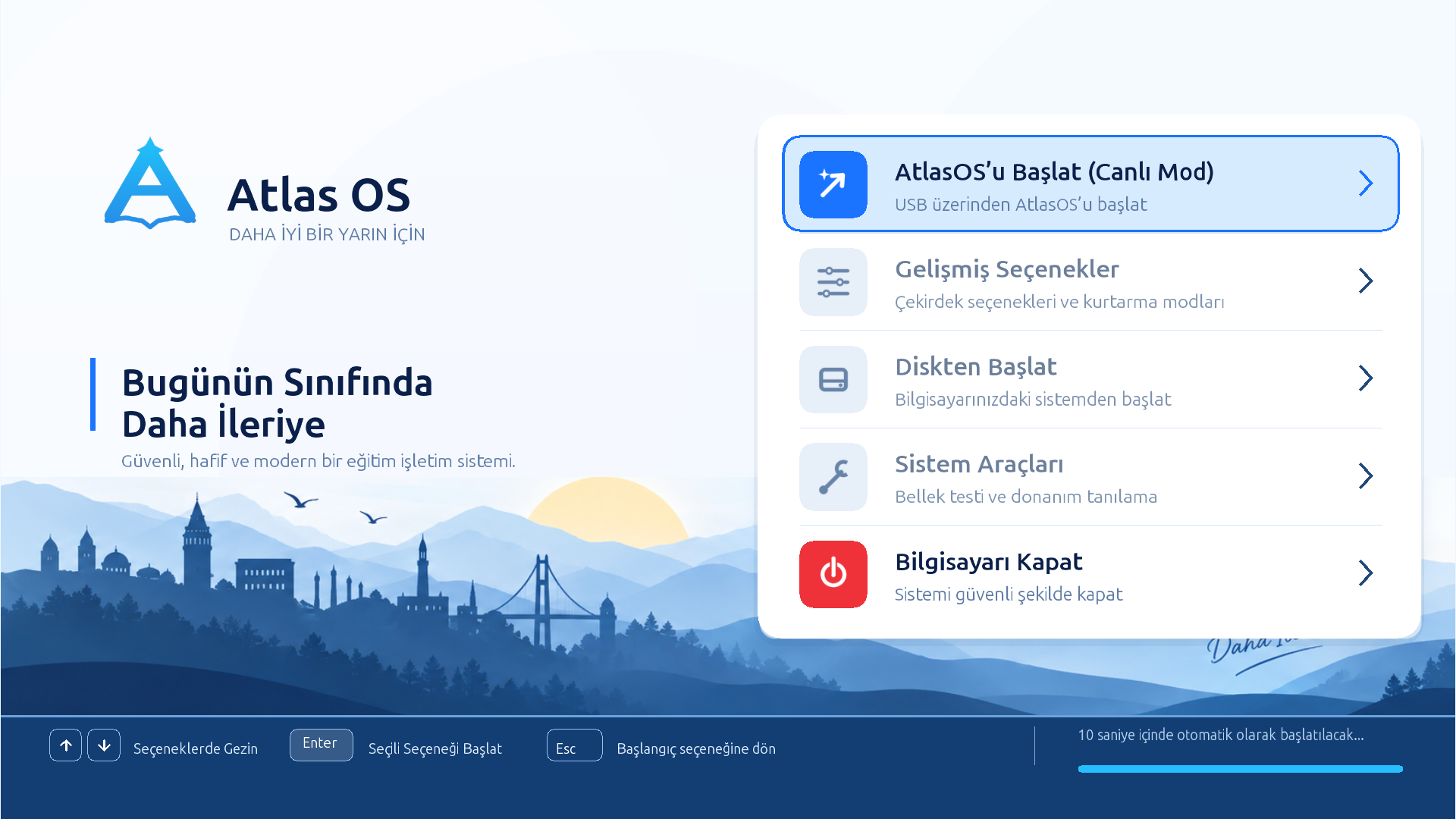
A real boot-menu capture. Firmware appearance can vary by device.
Start with the routines and tools that make up a classroom day.
Make common actions easier to find, while keeping the desktop flexible.
Keep project code and decisions available for people to inspect.
Think about readability and touch from the start; validate support device by device.
Read the source, explore the architecture, and follow the project as it develops.
A project in progressFollow the work, explore the real product captures, and see what comes next.
View current product captures